Every tool your
lesson could want.
From a quick pen stroke to a full interactive quiz — here's what you can build on the SPADE canvas.
Writing
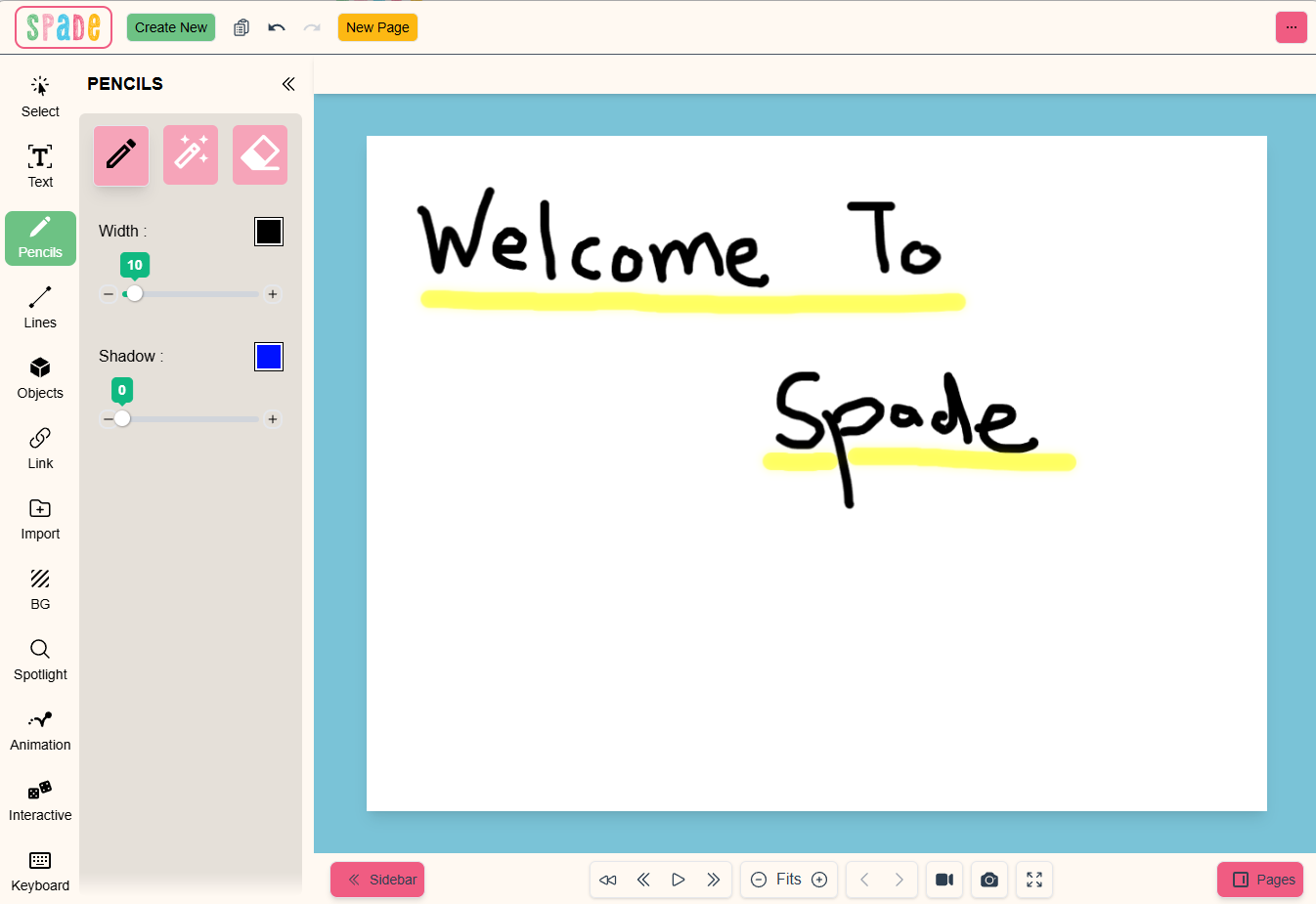
Draw, highlight, or erase straight on the canvas — even over a playing video. Set your own pen and highlighter colors and sizes to take notes, sketch a concept, or drill letters and numbers live.
Line insertion
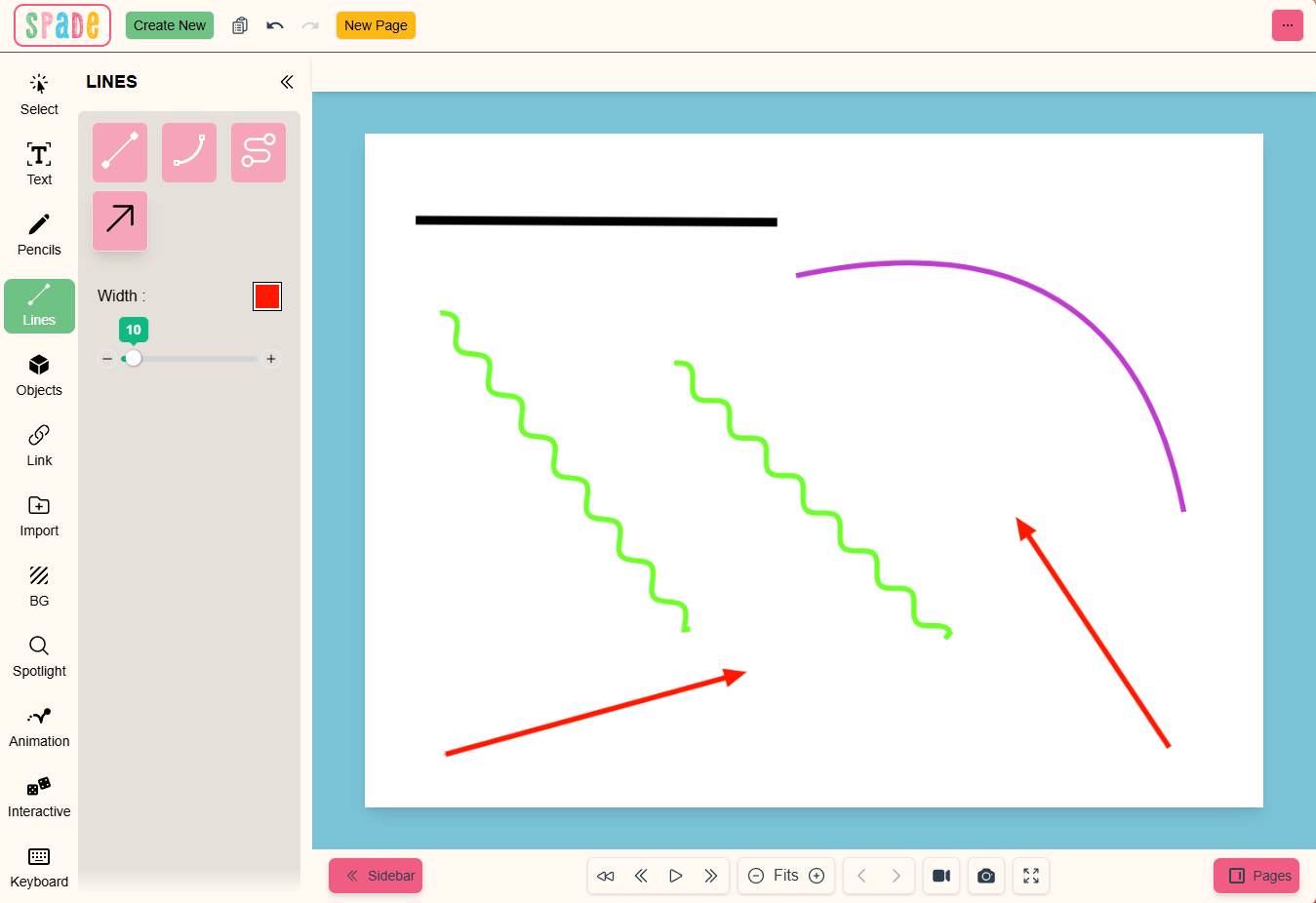
Drop in straight lines, curves, or waves to connect ideas visually. Tune the size, color, and style — solid or dashed — for clean, readable diagrams.
Object insertion
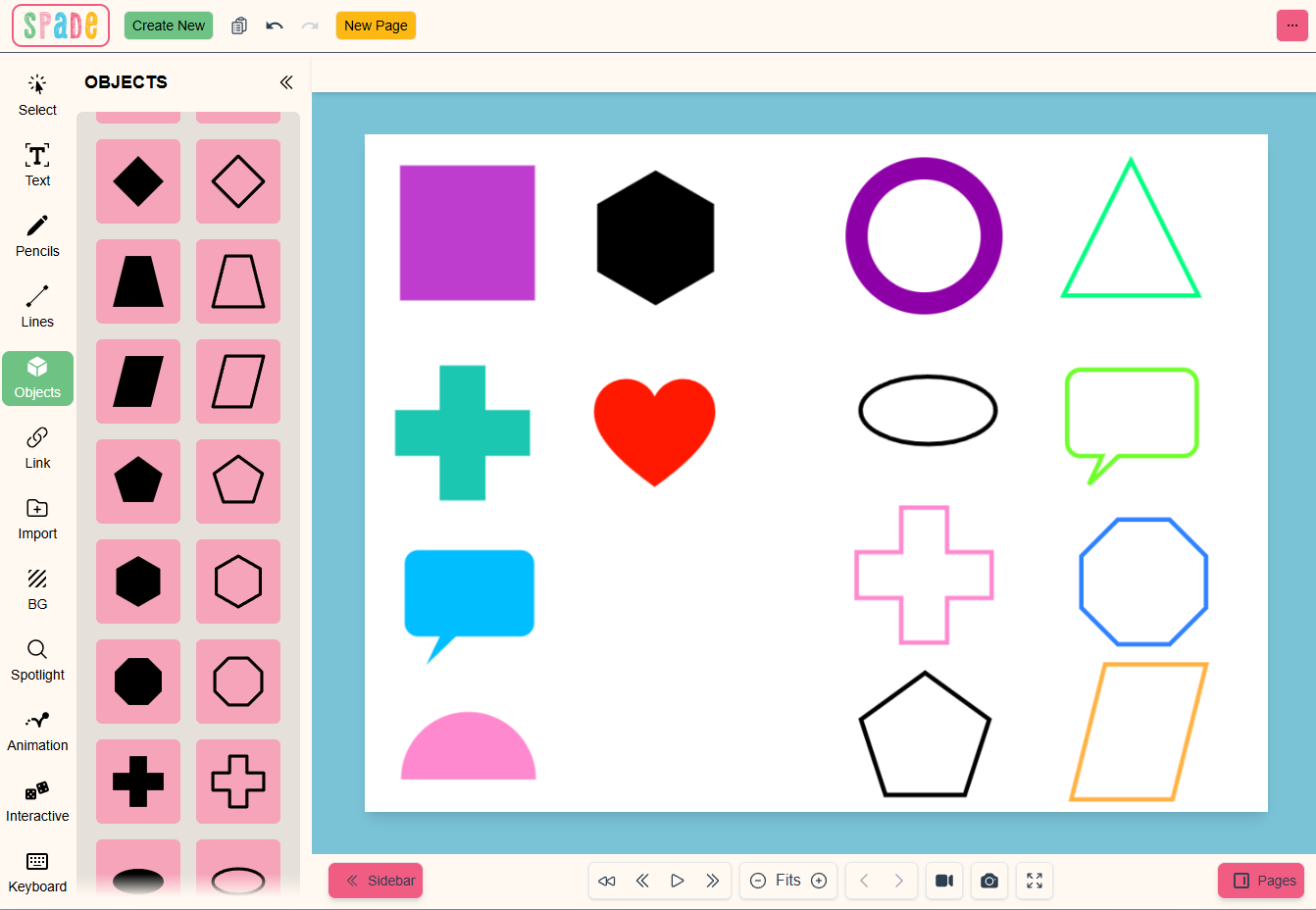
Add and reshape objects with ease: recolor, resize, reposition, add borders. Group them, animate their movement, and link them to docs or media for fully interactive lessons.
Link features
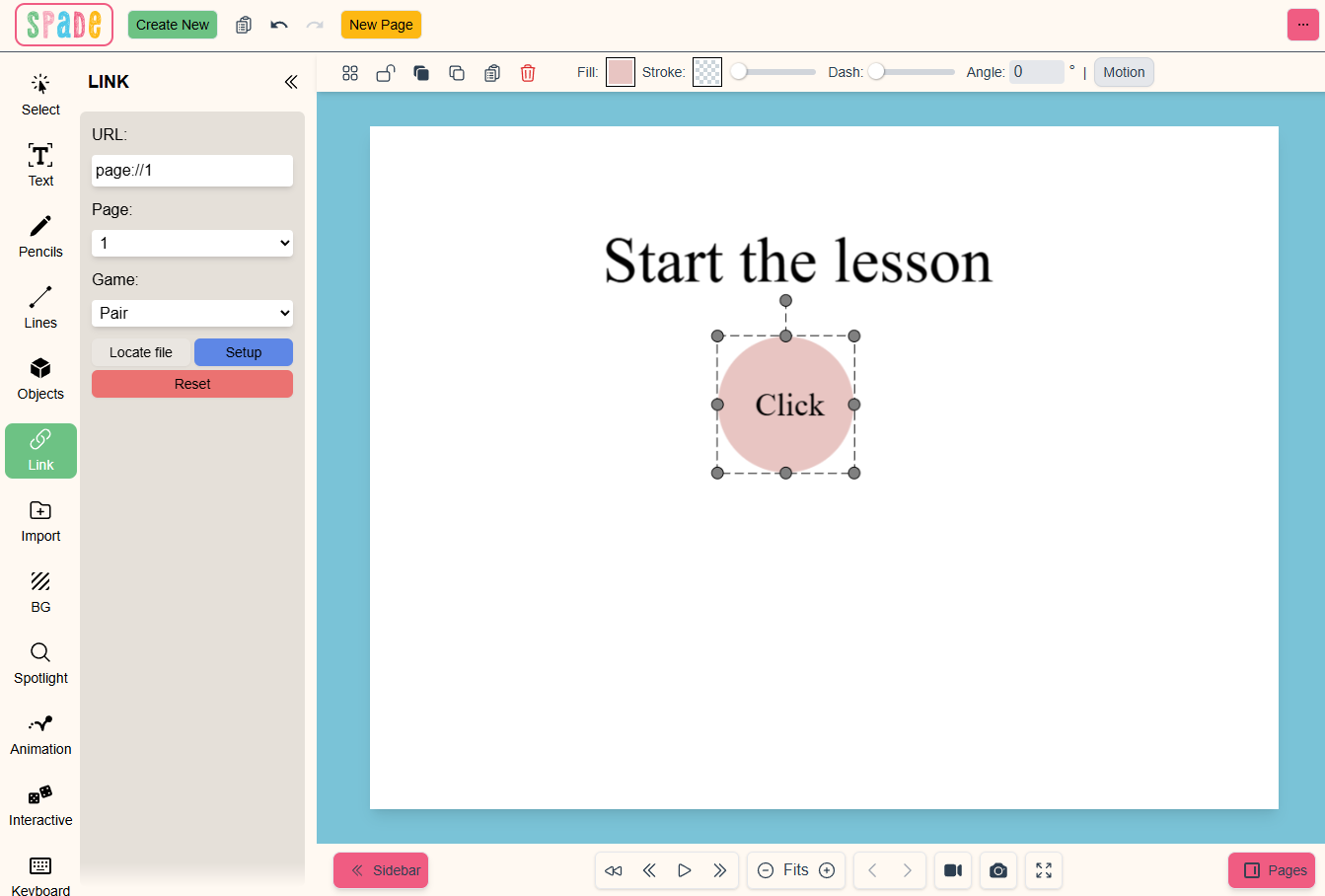
Turn any static object into something clickable — link it to a website, another canvas, or a media file.
Build board games or quizzes by wiring objects to different canvases, one tap at a time.
Animation
Use animation to hide or reveal instructions, spotlight key content, or walk students through a step at a time with a single click.
In a quiz, pop a tick for the right answer and a cross for the wrong one. Adapt a built-in template or build your own.
Spotlight
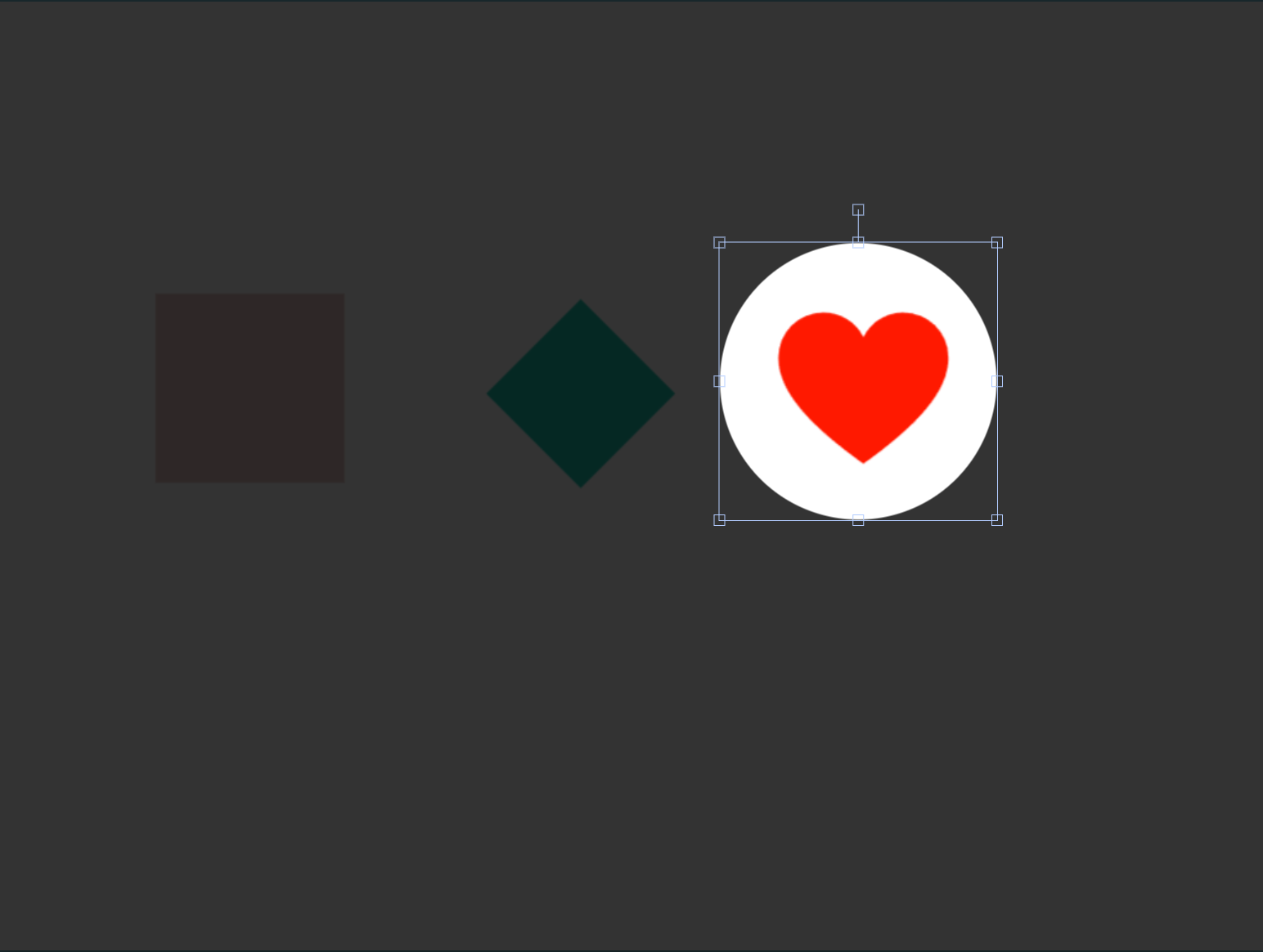
Hide objects and reveal them exactly when you need to, using a circle or square spotlight.
Uncover numbers, letters, or steps one by one to keep the whole room leaning in.
Video & audio
Pull audio and video straight onto the canvas to enrich a lesson or presentation without switching apps.
Text insertion
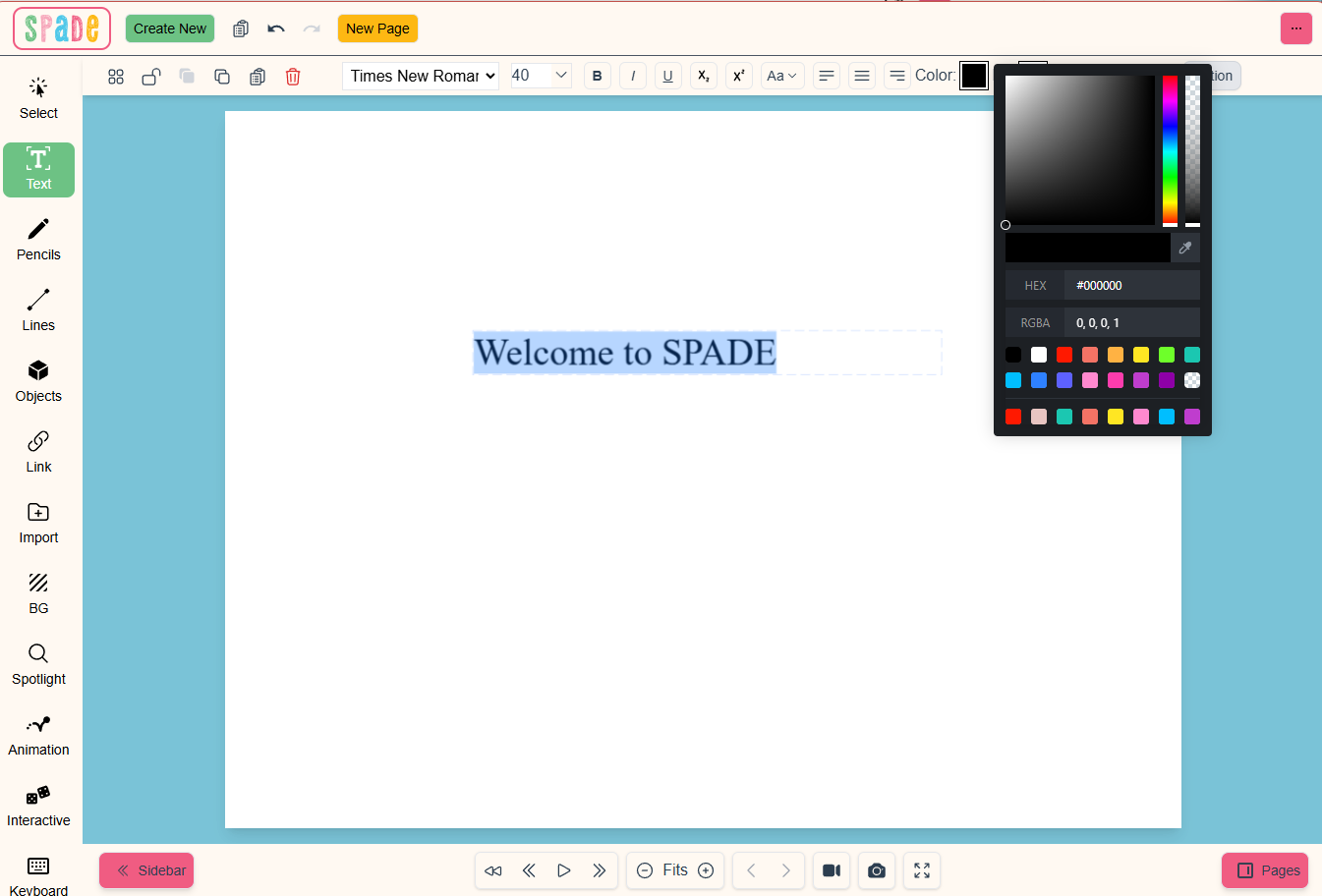
Full control over text: color, size, typeface, and background. Rotate, reposition, and restyle text boxes to fit any layout.
On-screen keyboard
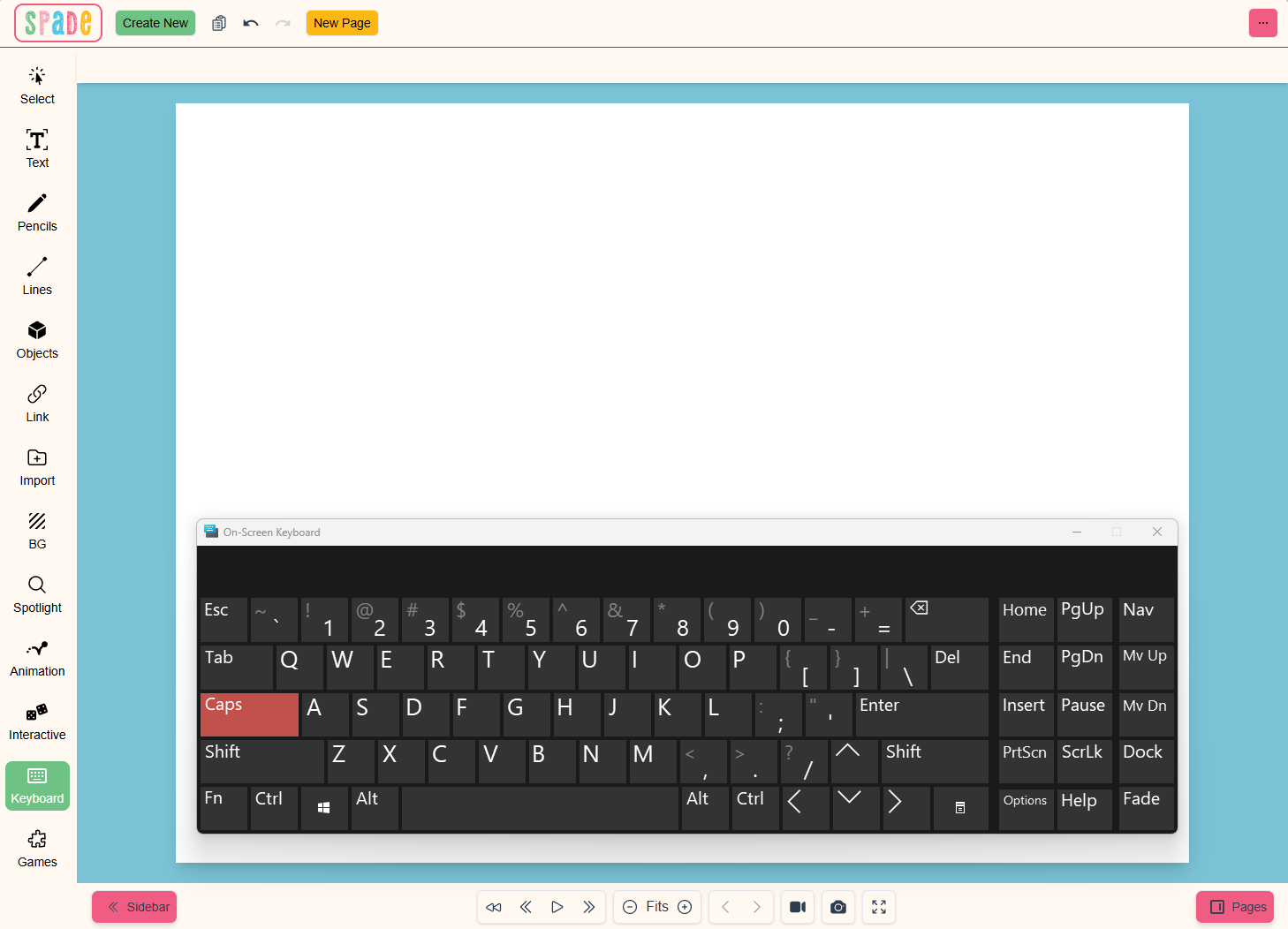
Type anywhere on the canvas without a physical keyboard — ideal for touchscreens and interactive displays. Perfect for labeling, quick answers, and student input at the board.
Interactive insertion
Drop in ready-made interactive pieces to gamify any lesson:
- ✓ Dice
- ✓ Color wheel
- ✓ Vowel animation
Screen recording & clipping
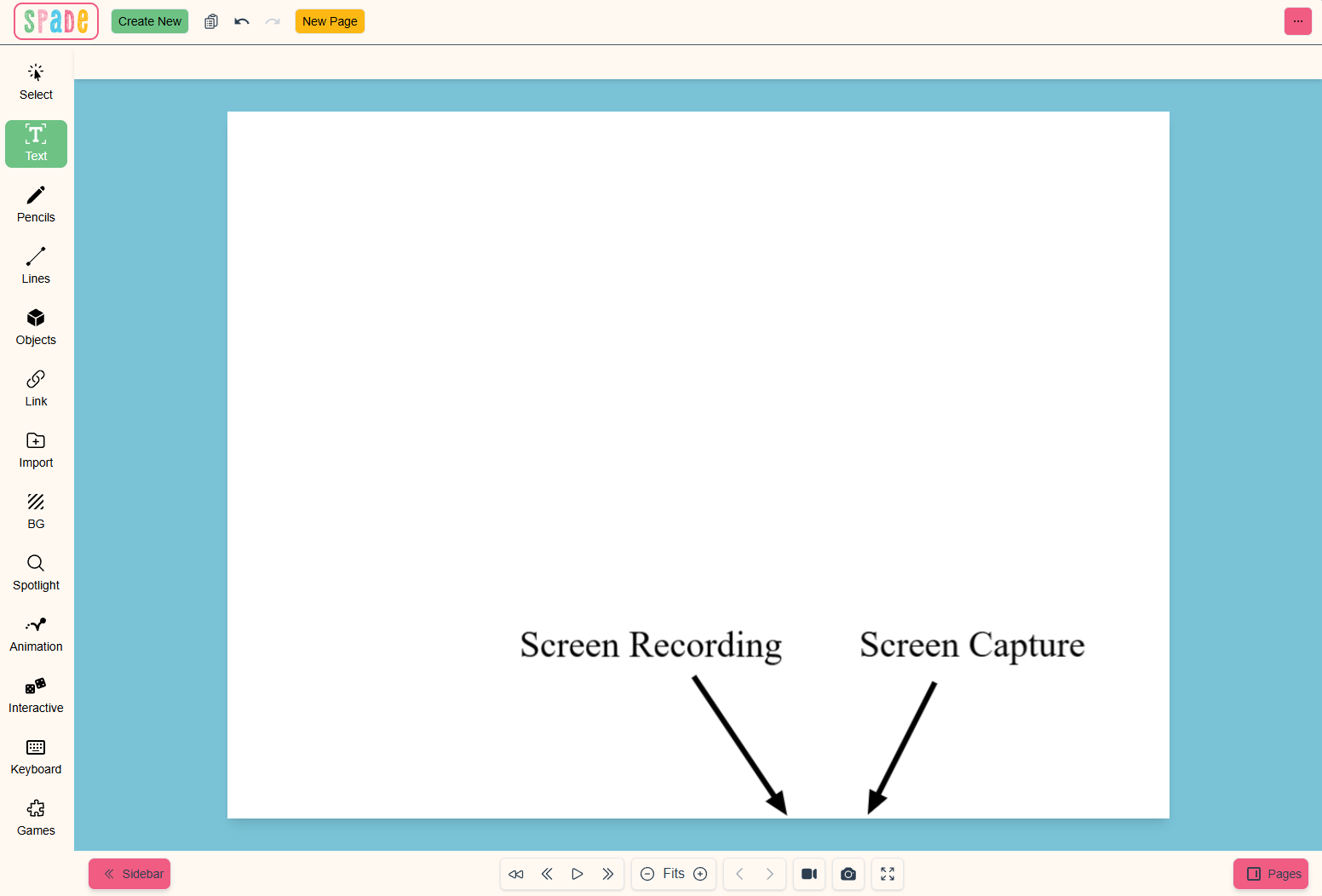
Record a full canvas session or clip just part of the screen. Great for saving lessons or turning them into reusable learning material.
Seen enough?
Start building.
Grab SPADE and put every one of these tools on your canvas today.